Movie and show Favorites
Hold OK on a movie or show poster in a compatible Network library to save it. Open Favorite Movies or Favorite Shows from the sidebar.
CHANNELDECK PLAYER
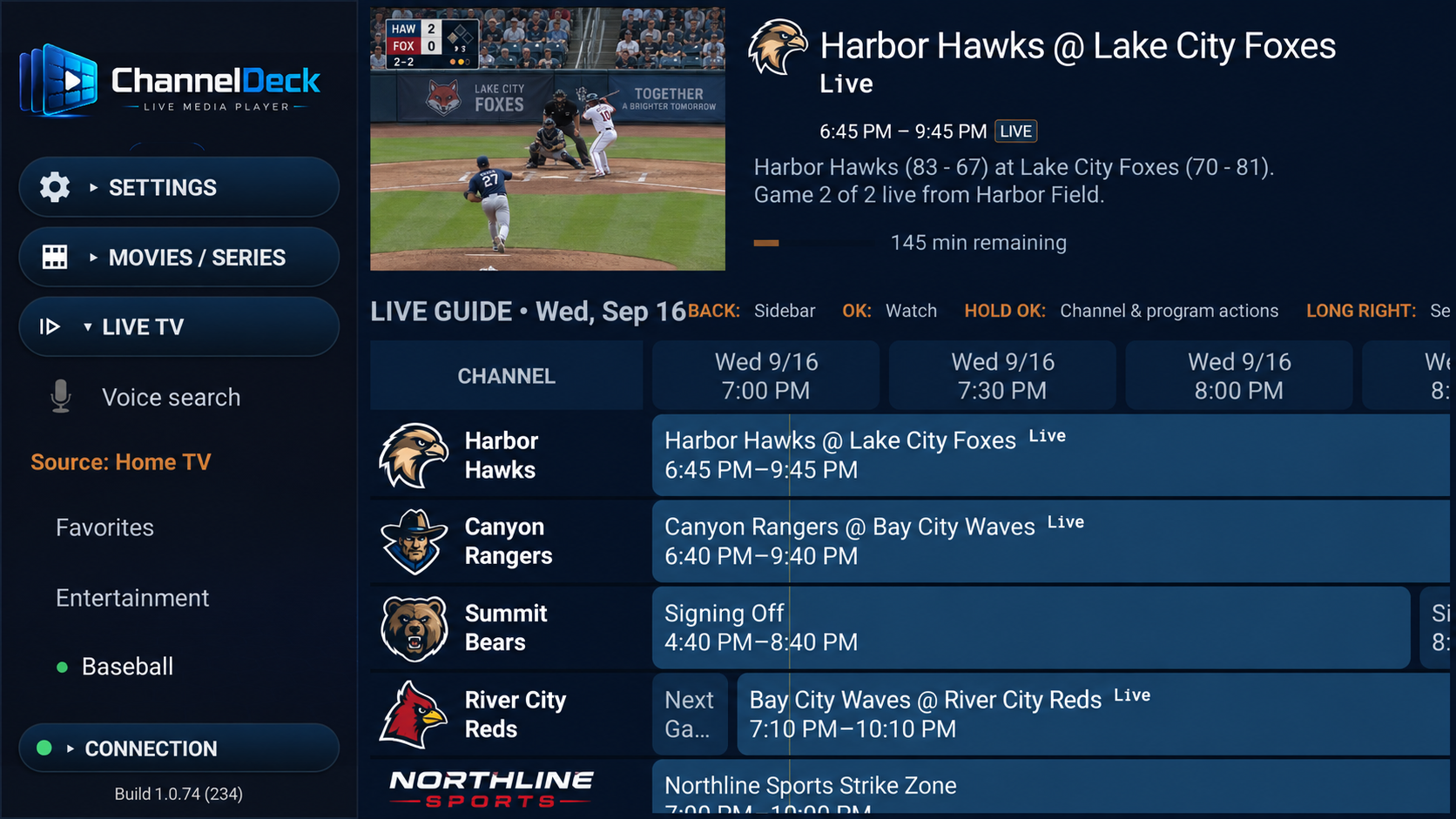
The Android edition of ChannelDeck Player supports Android TV, Google TV and compatible Fire TV devices. Apple TV has a separate App Store edition and setup guide. It turns media sources you are independently authorized to use into a fast television guide, player, and organized media home.
ANDROID PLAYER UPDATE · VERSION 2.10
Press OK during a Network movie or episode to open playback controls reliably. Includes improved sleep timer reliability, typed search, favorite movies and shows, and on-screen clock and date options.
Hold OK on a movie or show poster in a compatible Network library to save it. Open Favorite Movies or Favorite Shows from the sidebar.
Enter channel and program titles from the sidebar, with faster results and clearer search feedback. Remote voice search remains available.
Display the time, date, or both in any screen corner, with the date in MM/DD/YY format.
Also includes smoother library navigation, clearer favorite markers, improved Guide startup and a 45-minute sleep timer option. Live TV remains available at the bottom of every Network sidebar. Available for Android TV and Fire TV.
Get Player 2.10APPLE TV · VERSION 1.2
Apple TV 1.2 has been submitted for App Store review. The current public App Store version is 1.1; the update becomes available after Apple approves and releases it.
Type a search to find something in your compatible Network library, or save movies and shows to their own Favorites pages. Recently Added gives you the full movie and series grids, with date filters and automatic library updates. You can also show the time, date or both in any corner of the screen.
The wider, shorter playback bar leaves more room for your video and shows how much time is left and when it will finish. Shuffle keeps your series queue in place, and automatic intro skips keep hidden controls hidden. Sidebar navigation is smoother, and the updated Help explains the new features and controls.
THE APP YOU WATCH
Start here. Player works on its own with an authorized live source or antenna tuner, and it is also the viewing app for Local and Network libraries.
Compare where it fitsWHAT IT DOES
WHAT YOU NEED
SEE IT IN ACTION
Select any screenshot to view the complete interface at full size.
CLEAR BOUNDARIES
ChannelDeck Player does not sell channels, subscriptions, playlists, or media. ChannelDeck Network is optional and is not required to use the Player.
Optional contributions help Buck Skeeters maintain ChannelDeck and develop updates.
Buy Me a CoffeeCompare every ChannelDeck product, requirement, device allowance, and one-time purchase on one page.
View pricing & comparisonIPTV PLAYER GUIDES
Installation, playlists, program guides and Premium viewing tools.